



Al Krow
-
Posts
15,567 -
Joined
-
Last visited
-
Days Won
10
8 Followers


Recent Profile Visitors
21,873 profile views


Al Krow's Achievements



-
 Excellent pedal, and on for a very good price too! GLWTS
 -
I hope that gets labelled the "Al Krow FM heaven" patch when it's formally released! 😅 But more seriously, great work, thanks Peter.
-
Thanks Phil - that's reassuring. I have a spare one already which I use at home and have the Anderton's supplied Fidus one for gigs. I was mainly wanting to rule out the PSUs as being a potential source of these noise spikes.
-
I've taken up folks' suggestion to raise this with A&H, and they have been supportive so far and allowed me to make a warranty claim with Audio Technica, notwithstanding the fact that it is outside the 12 month warranty period. Very reassuring customer service by them so far!
-
@BassAdder60 please see SumOne's post above re. your comparison query? Plus my reasons for wanting the additional features on the GX10. Hope that helps!
-
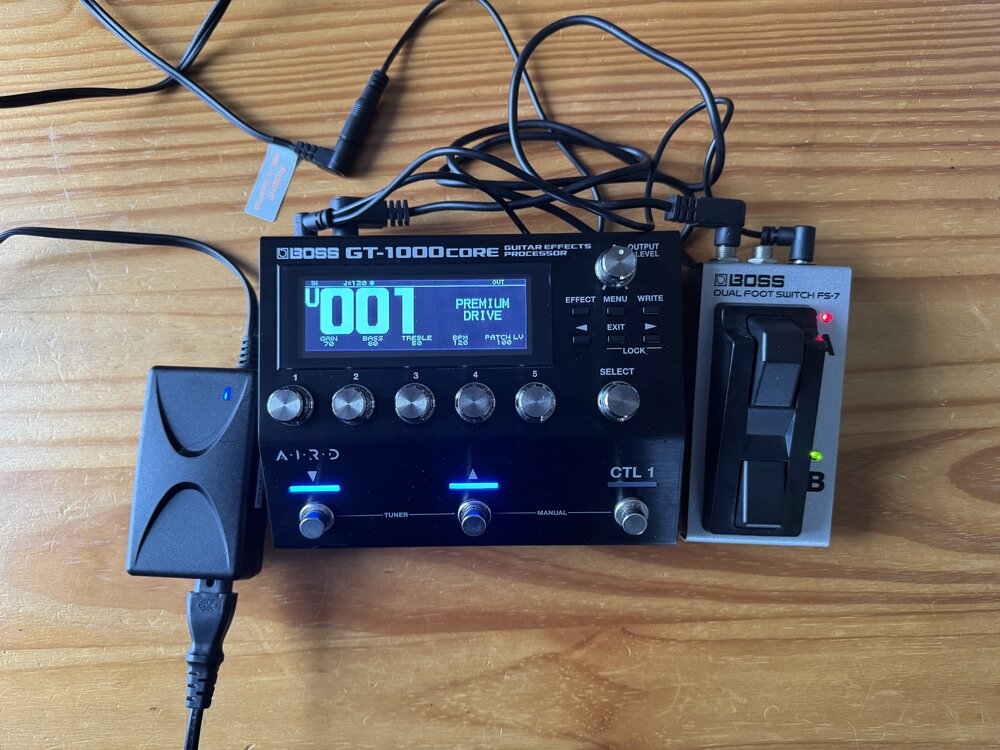
Thanks - that's the exact same one as I am using for gigs i.e. Fidus 12V 5A 60W centre positive PSU Interesting - was just thinking of getting another Fidus to replace my home use PSU from another Chinese supplier, but this thread is a little worrying about their efficacy: CQ18T POWER SUPPLY DIED - CQ / CQ General Discussions - Allen & Heath Digital Community Forums @LawrenceH did yours come with a supplied PSU?
-
Thanks. Unfortunately Allen & Heath don't involve themselves in repairs "please note that all service and repair enquiries will be routed to our distribution partners" and given that it is out of 12 month warranty, I'm going to struggle to get them interested. Maybe a possible angle under the Sale of Goods Act with Andertons, but this was bought as B-stock which they have 3 month return / warranty cover policy, and they will no doubt seek to argue wear & tear? Which I guess ties in with Woody's comment above. Update: I have, however, raised an enquiry with A&H and sent them a clip of the desk spiking with no inputs, which I posted on the previous page of this thread. Will let you all know what they say in response. I would very much love to hear from warwickhunt what PSU make and model he is using with his desk?
-
Hold on...are you saying Customer Services Depts get their staff to give the best customer service by not paying them properly? 😅 Maybe a while before I can give both a proper spin as the juicy FI v4.5 software is not due out until March and, besides, I also may be about to return my FI unopened (see thread above). But hopefully at some point I can apply my polyphonic playing style (to quote @BigRedX's fabulous phrase) to both pedals and report back. Or maybe just try the MXR once and then move it on, which also seems to be quite fashionable these days. Either way @mattpbass is likely to get there before me with better synth technique and a more helpful comparison, I suspect!
-
I received a very polite and supportive email from dv247 / MusicStore Customer Services today stating that they unfortunately couldn't backdate the discount, but encouraged me to return the first purchase, whilst making a second purchase using the discount promo code. No fuss, no angst and nicely customer focussed. As I mentioned previously, I've no desire to mess them around and I'll take a view on whether to take up their return and repurchase suggestion or just suck-up the original purchase price. Fwiw, their approach to returns has always been good and having had to make warranty claims previously on various bits of kit over the years, their warranty cover is one of the best I've come across.
-
Phil, that is such a generous offer thank you. I do still have my old Soundcraft MTK 12, which I'm glad I held on to. Sadly, the desk being out of warranty and cover period for both A&H and Andertons, that does leave them without any obligation or incentive to assist. But I will see if I can get a local techie to give it a once over.
-
.thumb.jpeg.e02734976feb1c9ce4a3b1f64e6402da.jpeg) PM'd 😊
PM'd 😊 -
Gotta 'fess, the juxtaposition of your post right below @SumOne's did make me smile. He needs to be awarded the BCP^* accolade! You shouldn't have any trouble shifting your MXR if recent sales have been anything to go by!
-
So a follow up on my A&H desk saga... Went to the gig Sat night going through the house PA for the first time with the A&H desk potentially on the blink and feeling somewhat on edge as you can imagine. Took my old Soundcraft desk and a RCF912A as a back up desk and floor monitor set up a the Soundcraft only has 2 aux outs for IEMs that can give a bespoke mix vs as many as we need on the A&H.. Desk was fine for the first set. I took the precaution of switching it off for the 2nd set as the issue had cropped up at the end of the second set last time. 2nd set was...fine! (Phew - and actually was an excellent gig - manager wants us back more frequently and the in-house PA worked a treat being played throughout the pub, so all good on that score). A bit of a massive relief, having experienced a desk cut out a couple of years back due to a local power surge at the venue with no back up desk. It's definitely a killer! But got me thinking whether this might be an over-heating related issue? Seems to have cropped up at home when I've had the desk on for several hours. Those of us with CQ desks will know that the heat extraction isn't phenomenal and the desk does get pretty warm pretty quickly. Thoughts?
-
In both directions it would seem! Drummers it's time for payback! PS it's a good little BBC article. To summarise it, if I may: folk don't seem to mind AI being used to entertain, but they don't want AI "slop" filling up their threads. (For me that applies as much to "human slop" as it does to the AI variety). They do mind deception and something being passed off as authentic/real/original when it's not. Amen to that.
-
And fwiw Kev, I totally agree with you about not taking the piss as a starting point. Plenty of users adopt a buy and return approach with online purchases, because they have to as it's the only way to try things out absent physical stores these days. Online retailers build in the cost of such returns as part of their business model as the quid pro quo for not having the cost of physical stores and staff, whilst having the advantage of selling goods at similar margins to retailers with physical stores and staff. So whilst my (and, trust me, it was polite) request for Musicstore to consider applying a promo related discount directly as part of their current promotion might be something you would hate as a customer sales rep, I'm sure their staff are more than capable!


.thumb.jpeg.e02734976feb1c9ce4a3b1f64e6402da.jpeg)